Why Aurora fits the EVM stack
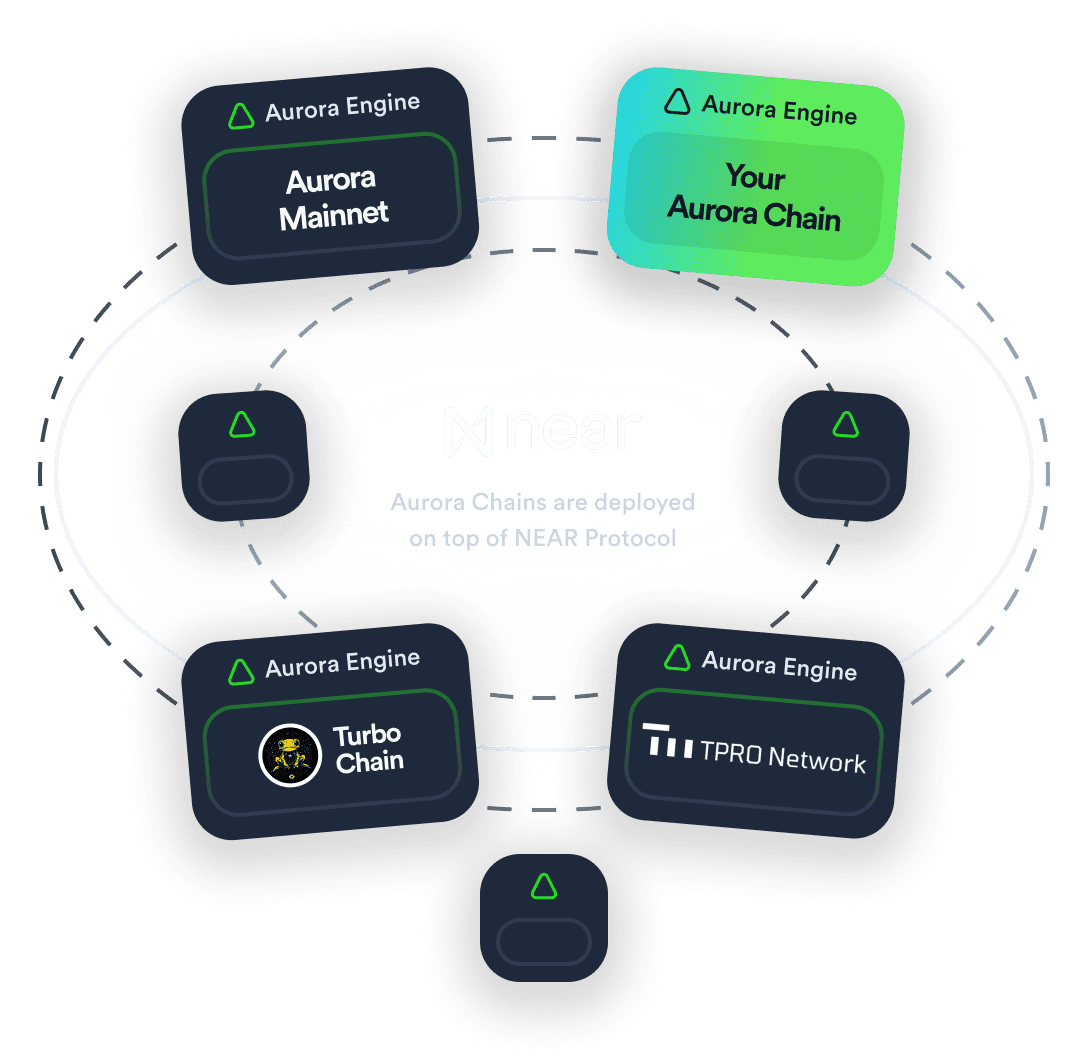
Aurora operates as a Layer 2 solution on NEAR Protocol, designed to bridge the gap between Ethereum’s robust developer ecosystem and NEAR’s high-throughput infrastructure. For developers, this means you can deploy standard Ethereum smart contracts without rewriting them in a new language or learning a complex new toolchain. The primary advantage is immediate compatibility: if it works on Ethereum, it works on Aurora.
The technical foundation sets Aurora apart from many other EVM-compatible chains. Unlike implementations that wrap existing code, Aurora is a pure Rust implementation of the EVM. This choice prioritizes security and efficiency, resulting in a system that is both fast and reliable. By leveraging Rust’s memory safety guarantees, Aurora minimizes the attack surface often associated with older EVM implementations, providing a more secure environment for high-value transactions.
Performance is the other major driver for choosing Aurora. Built on NEAR’s sharded architecture, Aurora processes transactions significantly faster than the Ethereum mainnet. This speed translates directly into lower costs, making it feasible to run complex applications that would be prohibitively expensive on Layer 1. For developers building dApps that require frequent user interactions or high-volume data processing, Aurora offers the necessary throughput to keep gas fees minimal while maintaining Ethereum-level security.
Set up your development environment
Getting your local machine ready for Aurora EVM is straightforward because it mirrors the standard Ethereum workflow. Since Aurora is fully EVM-compatible, you can use the same tools you already know, like Hardhat or Foundry, without learning a new stack from scratch.
The main difference lies in the network configuration. You aren't connecting to the NEAR blockchain directly; you are connecting to the Aurora EVM endpoint, which acts as a bridge to NEAR. This means your wallet needs to support EVM addresses (like MetaMask), and your development tools need the correct RPC URL to broadcast transactions.
Configure your wallet
First, add Aurora to your wallet. Most EVM wallets allow you to add custom networks. You will need the Aurora Mainnet RPC URL, which you can find in the official Aurora documentation. Use the Chain ID 1313161554 and the symbol AURORA. This step ensures you can view your balance and send transactions directly from your interface.
Connect Hardhat or Foundry
Next, update your development framework config. For Hardhat, add a new network entry in your hardhat.config.js file pointing to the Aurora RPC endpoint. For Foundry, you can set the ETH_RPC_URL environment variable to the Aurora endpoint before running your commands. This tells your tools where to deploy your smart contracts.
Verify the connection
Before writing complex logic, run a simple test. Deploy a basic "Hello World" contract or send a small test transaction to the Aurora network. If the transaction confirms, your environment is correctly configured. This quick check saves hours of debugging later when you are building your actual dApp.
Open MetaMask, click the network dropdown, and select "Add Network." Enter the Aurora Mainnet RPC URL, Chain ID 1313161554, and symbol AURORA. Save the network to switch your wallet to Aurora.
In your hardhat.config.js, add a new network object for aurora. Set the url to the Aurora RPC endpoint and chainId to 1313161554. This allows you to run npx hardhat run scripts/deploy.js --network aurora to deploy.
Write a simple contract and deploy it using your configured network. Verify the transaction on the Aurora Explorer to ensure it landed correctly. This confirms your private key and RPC connection are working as expected.
KeyTakeaways items=["Aurora is fully EVM-compatible, so you can use Hardhat or Foundry with minimal changes.","You must add the Aurora network to your wallet using Chain ID 1313161554.","Gas fees are paid in ETH, not NEAR."]
Deploy smart contracts to mainnet
Deploying to Aurora Mainnet feels familiar if you’ve worked with Ethereum. Because Aurora is fully EVM-compatible, you can use standard tools like Hardhat, Truffle, or Foundry without rewriting your deployment scripts. The main difference lies in the network configuration and the fact that you are paying for gas in NEAR tokens, not ETH.
Before you send any transactions to the mainnet, remember to test everything on the Aurora Testnet first. This saves you from losing real NEAR tokens to bugs or misconfigured RPC endpoints. You can find the testnet details in the Aurora documentation to ensure your wallet and scripts point to the right network.
Configure Your Network
Start by adding Aurora Mainnet to your deployment configuration file (e.g., hardhat.config.js). You’ll need the correct RPC URL, the chain ID (1313161554), and the currency symbol (NEAR). You can find these values in the official Aurora documentation. Make sure your private key or wallet provider is set up to sign transactions on this specific chain.
Set Up Your Wallet
Ensure your wallet supports EVM transactions and holds enough NEAR tokens for gas fees. Aurora uses NEAR for gas, so you’ll need to bridge ETH to Aurora first if you’re coming from Ethereum mainnet. Tools like the Aurora Bridge or NEAR Wallet can help you move funds to the network. Double-check that your address has sufficient NEAR balance to cover deployment costs.
Deploy the Contract
Run your standard deployment command (e.g., npx hardhat run scripts/deploy.js --network aurora). The transaction will be signed using your private key and submitted to the Aurora RPC node. Once the transaction is confirmed, you’ll receive the contract address. Verify your contract on the Aurora Explorer to make it transparent for other users.
Verify and Interact
After deployment, verify your contract source code on the Aurora Explorer. This allows users to interact with your contract directly through the explorer interface. You can also test your dapp by connecting to the mainnet RPC and calling contract functions. Monitor the transaction status to ensure everything is running smoothly.
Choose the right infrastructure tools
Building on Aurora means picking backend services that won't bottleneck your dApp. You need reliable node providers to handle RPC requests and explorers to track transactions. The difference between a lagging node and a robust one is often the difference between a smooth user experience and a failed transaction.
Node Providers
Your node is the gateway to the blockchain. For Aurora, you generally have two paths: using a managed service or running your own infrastructure. Managed services like QuickNode offer pre-configured endpoints with high uptime and support, which is ideal for most developers who want to focus on smart contracts rather than server maintenance.
| Feature | QuickNode | Infura | Alchemy |
|---|---|---|---|
| Aurora Support | Native | Limited | Limited |
| Latency | Low | Medium | Medium |
| Cost | Pay-as-you-go | Free tier available | Free tier available |
| Uptime SLA | 99.9% | 99.9% | 99.9% |
QuickNode is currently the most integrated option for Aurora-specific features, offering dedicated endpoints that reduce latency. If you are building a high-frequency trading app or a game, this latency reduction matters. For standard dApps, any of these providers will work, but check their current Aurora support status as compatibility can shift with network upgrades.
Explorers
You also need a way to view on-chain data. Aurora has its own explorer, which provides detailed transaction histories and contract verification. This is crucial for debugging and verifying that your contracts are deployed correctly. Additionally, NEAR Explorer offers a broader view of the underlying NEAR protocol activity, which is helpful if you are bridging assets between Aurora and NEAR Mainnet.
Infrastructure Costs
Running your own node requires significant hardware and maintenance. For most startups, managed services are more cost-effective. Compare the monthly costs of your expected RPC calls against the fixed cost of a managed endpoint. Often, the convenience of automatic scaling and backup outweighs the savings of self-hosting.
Recommended Tools
While you don't need physical gear to build on Aurora, having the right software environment is essential. Consider these tools to streamline your development workflow:


As an Amazon Associate, we may earn from qualifying purchases.
Monitor gas and transaction costs
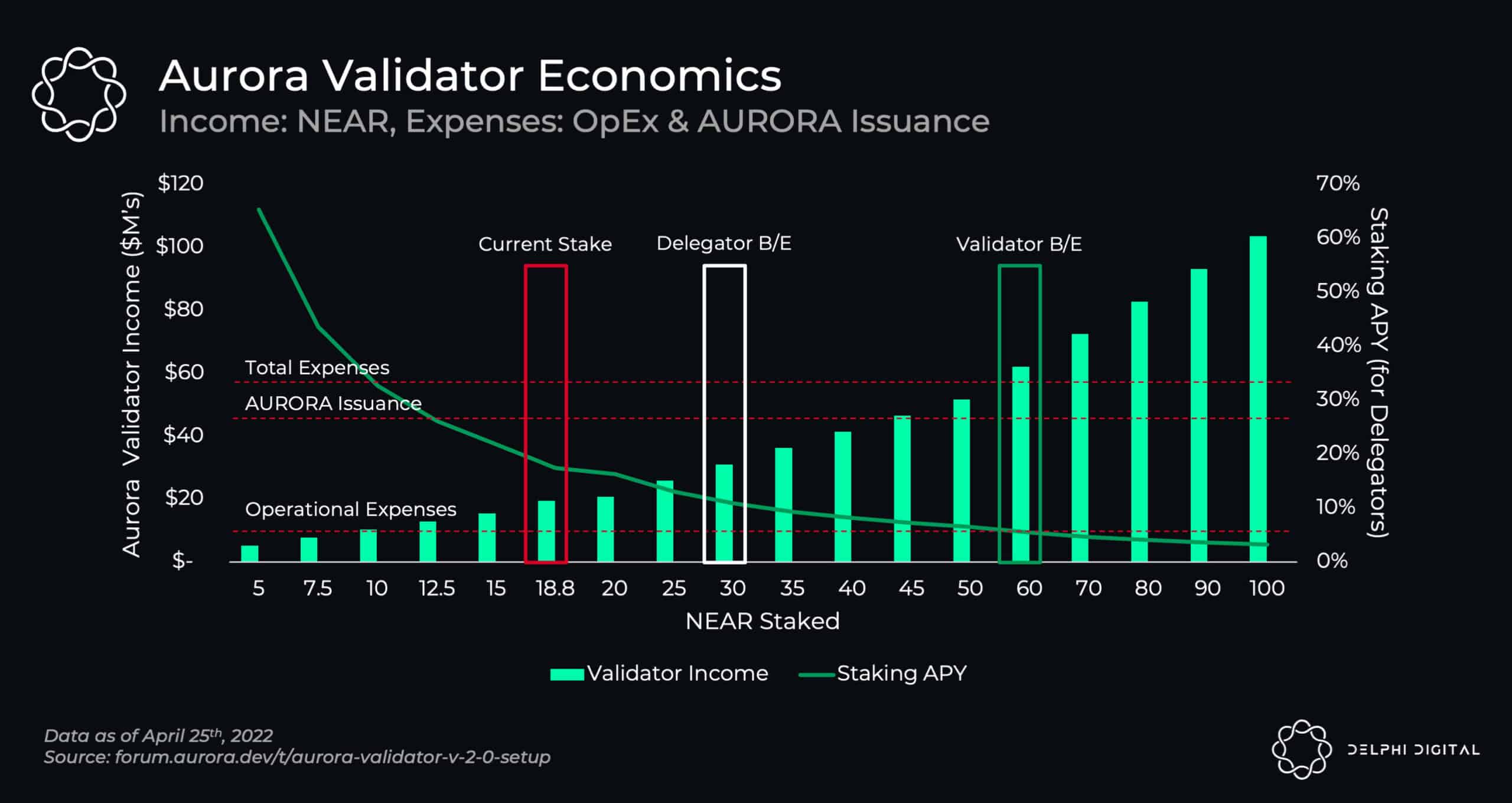
Gas on Aurora operates differently than on Ethereum mainnet. Instead of paying in ETH, users settle fees in NEAR tokens. This cross-chain settlement is the backbone of Aurora’s low-cost model, but it introduces a unique dynamic: your transaction cost is directly tied to the price of NEAR.
To keep your operations efficient, you need to track NEAR’s market movements alongside your gas usage. A spike in NEAR’s price can make even small transactions feel expensive. Use a live price widget to monitor NEAR in real-time, allowing you to time your deployments or high-volume transactions during periods of lower volatility.
For developers, optimizing gas isn’t just about code efficiency; it’s about understanding the NEAR-ETH exchange rate. Since Aurora burns ETH for gas but settles with NEAR, fluctuations in the NEAR/ETH pair can impact your effective costs. Keep an eye on the NEAR price trend to avoid burning through your budget during sudden market shifts.
No comments yet. Be the first to share your thoughts!